
Chaffee County Traffic Warrants Explained
A traffic citation begins with a deadline or required appearance. If the person neither pays an eligible assessment nor appears as ordered, the court may enter a default, issue an Outstanding Judgment Warrant, issue a bench warrant for failure to appear, or take another step allowed by its rules. The citation and court file show which consequence applies.
Jurisdiction controls the route. Chaffee Combined Court handles state traffic cases. Salida hears civil traffic infractions within city limits. Buena Vista hears town traffic infractions but refers state-traffic matters to Combined Court. Poncha Springs publishes separate instructions for penalty assessments, summonses, OJWs, and bench warrants.
State and Municipal Traffic Paths Compared
The issuing agency name and court address on the ticket are the best starting clues. Do not send payment to a city merely because the stop occurred near that city.
| Route | What it handles | Official contact |
|---|---|---|
| Chaffee Combined Court | Colorado state traffic cases | 719-539-2561 |
| Salida Municipal Court | City civil traffic infractions | 719-530-2629 |
| Buena Vista Municipal Court | Town-code traffic infractions | 719-395-8654 |
| Poncha Springs Municipal Court | Town tickets, assessments, and appearances | 719-539-6882 |
These offices may hold different balances, orders, and dates. Ask the clerk to read the current court record, not merely confirm that a payment screen accepts the citation.
Locations differ too. Chaffee Combined Court is at 142 Crestone Avenue in Salida. Salida Municipal Court uses Room 190 at the Touber Building and its C Street entrance. Buena Vista's clerk works from the police building at 28362 County Road 317, while court sessions occur at the Public Safety Complex at 200 Steele Drive. Poncha Springs uses Town Hall at 333 Burnett Avenue. Confirm hours before a counter visit, especially on Friday in Poncha Springs, because official pages state different Friday schedules.
Checking for a Traffic Warrant
Use every channel that applies to the issuing court. Colorado Judicial Online Payment can search eligible state tickets by court location and case, ticket, or name fields. Colorado Docket Search can locate a hearing. Neither is a complete warrant-status tool. Municipal matters require the named city clerk because no shared Chaffee municipal-warrant portal exists.
- Read the ticket and identify Chaffee Combined Court or the specific municipal court.
- For an eligible state citation, use the official payment lookup by court location and case, ticket, or name details; use Docket Search for hearing clues.
- Call the issuing clerk. Salida, Buena Vista, and Poncha Springs each publish a direct municipal contact.
- Use the clerk counter or the court's records-request route when online tools do not answer the status question. Consult a lawyer if arrest is a concern.
What the State Payment Search Can Do
The Colorado Judicial Online Payment portal provides court-location and case, ticket, or name controls for eligible matters.
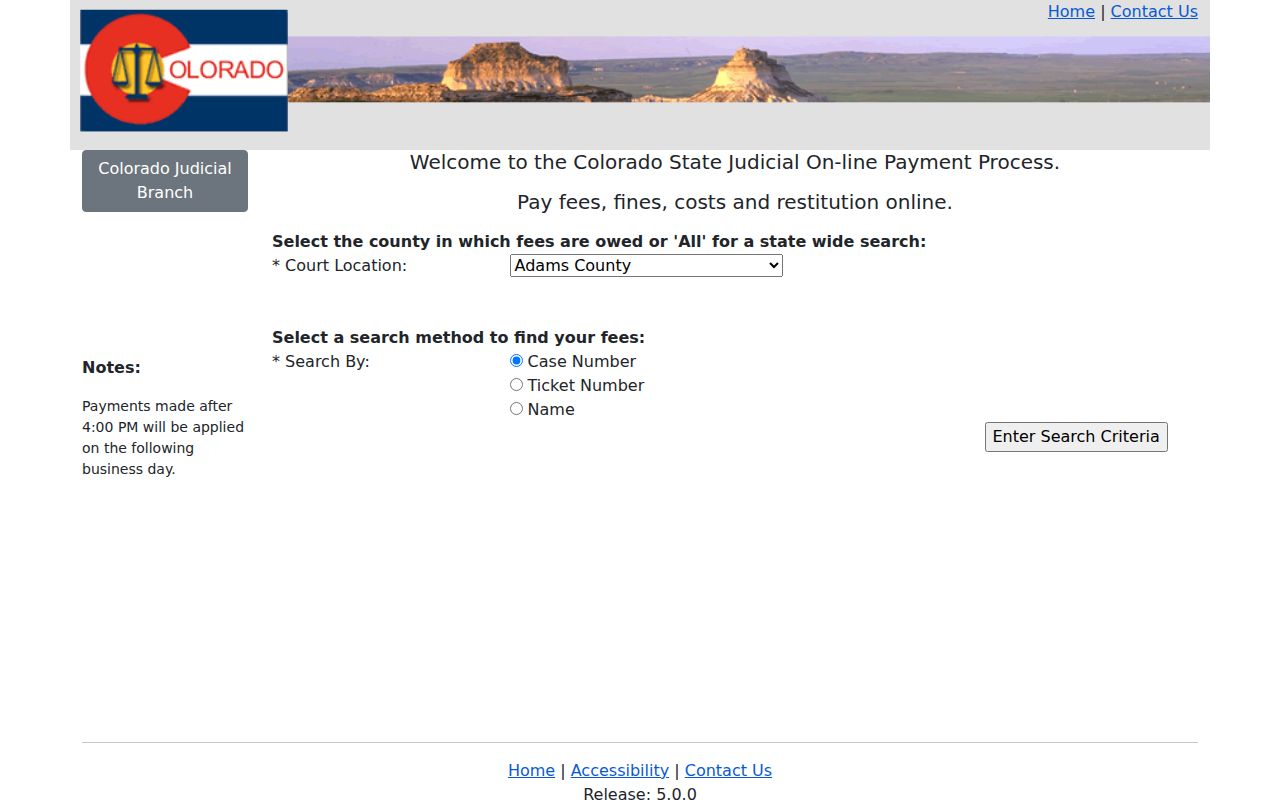
The interface can locate a payable record or accept money. It does not promise that every traffic case is eligible, and a successful payment is not a judge's warrant-recall certificate. Confirm the current order and next date with the clerk.
Inside a Traffic Warrant Record
Official records may be split between the citation, case docket, payment screen, and judicial order. Match the case identifier and issuing court before relying on any status. Chaffee research does not establish one public local warrant-number pattern, so use the real ticket or case number rather than guessing a format.
| Warrant or citation number | The exact identifier printed on the record, shown generically as TICKET-#####. |
|---|---|
| Charge or offense | The traffic allegation or town-code infraction tied to the case. |
| Issuing court | Combined Court or the named city or town municipal court. |
| Bond, assessment, or fine | The amount and type currently ordered, which may differ from the original ticket. |
| Status | Payment, default, warrant, recall, hearing, or other case event as recorded. |
Three Towns, Three Payment Routes
Salida accepts an eligible payment by mail, in person, through its after-hours drop box, or through its official Municipal Online Payments link. It adds $35 in court costs after a citation remains unpaid for 20 days. People who live more than 100 miles away may qualify for a phone appearance under the court's procedure, but that option does not apply to parking tickets.
Buena Vista accepts payment by mail, in person at the police building, or by phone card with a stated 3.5% processing fee. Poncha Springs permits an eligible penalty assessment through its online link, by mail with the signed blue ticket, in the Town Hall lock box, or at the counter. None of these choices should be described as automatic warrant clearance. The clerk must state what judicial action remains.
How to Pay or Lift a Traffic Warrant
The safest sequence is to identify the issuing court, confirm the current order, and then use the official payment or appearance route. A judge may require an appearance or bond rather than payment alone. Poncha Springs also states that a bench-warrant fee of $30 may be assessed by court order and that bond may be PR or cash.
- Confirm the case, warrant or OJW, exact amount, and court with the clerk.
- Follow the stated payment, written-request, appearance, or bond route.
- Ask what judge's order is needed to recall or quash the warrant while the case proceeds.
- Obtain written status and the next court date; separately verify any reported license consequence.
Warning: Payment alone may not recall a warrant. Confirm the judicial order and any license consequence with the issuing court before relying on it.
State Collections and Record Access
The 11th Judicial District collections page describes in-person, mail, and telephone payment routes for court debt.
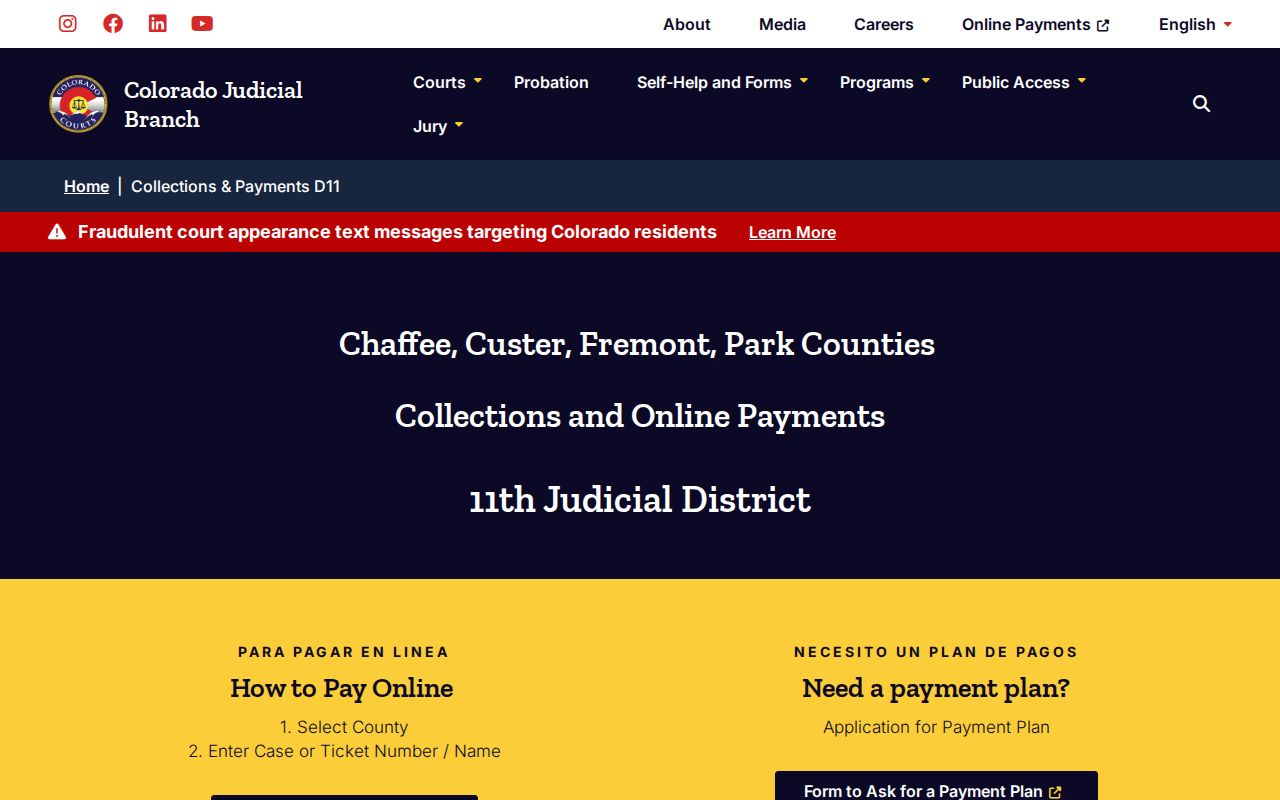
Collections status is only one part of a traffic case. Ask whether a warrant, hearing, default, or other order remains after money posts.
When a specific court document is needed, the official record request form asks for case, party, county, year, and document details.
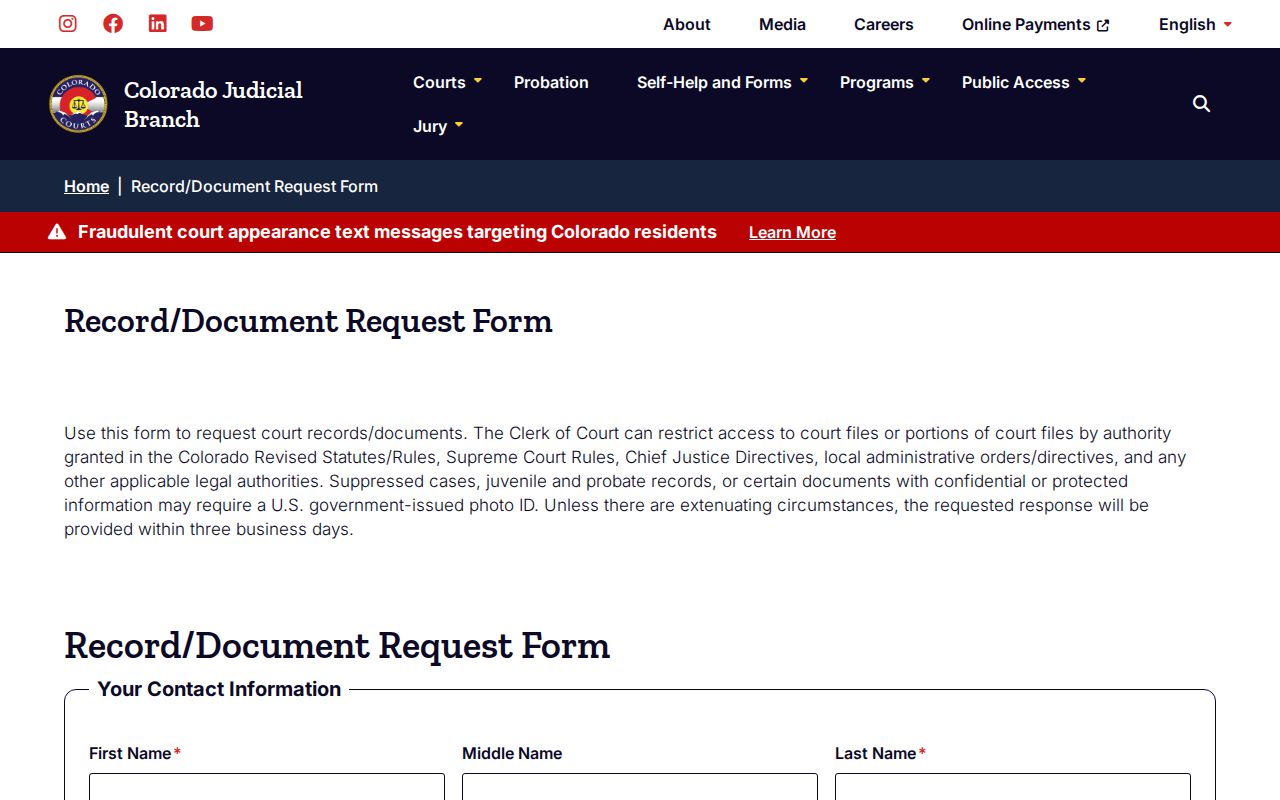
A narrow request can establish what the court ordered without turning a payment portal into a warrant database.
Traffic Warrants, FTA, and License Holds
A failure to appear, or FTA, describes missing a required court setting. A traffic warrant is a judge's custody order. A license consequence is an administrative effect that may follow a court report. One event can lead to more than one mechanism, but none proves the status of the others.
| Mechanism | What Triggers It | What It Does |
|---|---|---|
| Traffic warrant | Judicial response to a traffic-case default or missed duty | Authorizes custody under its terms |
| Failure to appear | Missed scheduled setting | Can prompt a warrant, default, or another court order |
| License consequence | Court reports an OJW or other qualifying event | Can affect license status without proving warrant status |
Why Court Access Can Be Limited
Colorado separates public court records from compiled data, protected files, and restricted material. The official public-access guide explains those boundaries and notes that charges can apply.
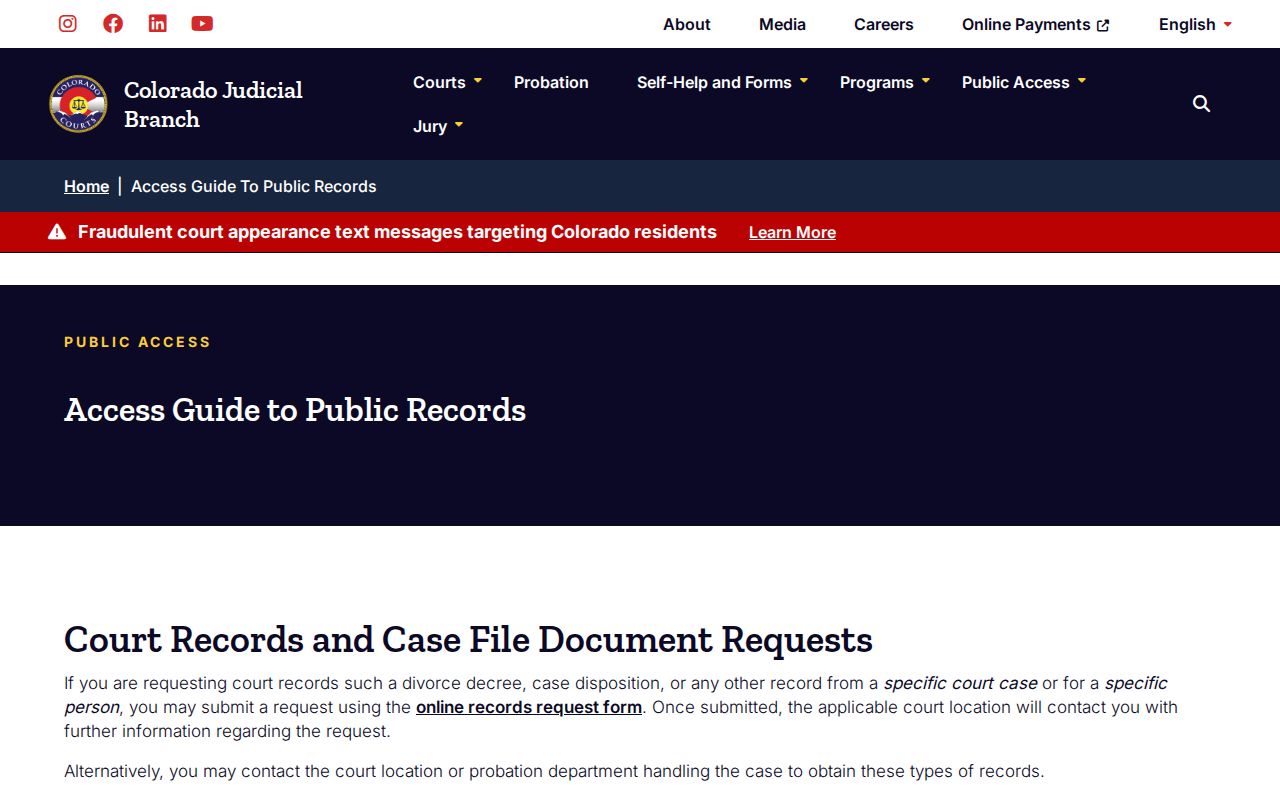
The access rules are another reason to phrase a blank result carefully: no record was found in that source. It is not proof that the traffic court entered no warrant or other order.
Colorado's administrative-record law, CORA, does not turn a court calendar into a warrant list. Court-held documents follow judicial access rules, while sheriff records follow criminal-justice-record statutes. A specific request may receive redactions or be denied when a seal, statute, rule, court order, or investigatory exception applies. Ask for a named case document rather than a compiled list. That narrower request gives the custodian a clear record to locate and limits unnecessary disclosure of private identity data.